.png?width=100&height=35&name=Kiwa_2024_RGB%20(1).png)
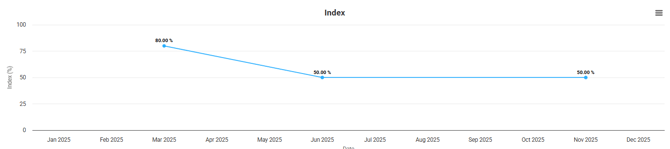
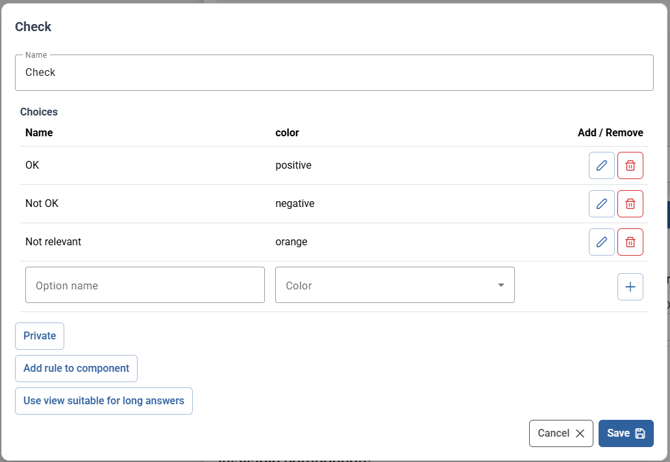
On the Index tab, you can examine indexes generated by the tools. Most commonly, the index is used to review the results of checklists and updatable checklists. This requires that at least one tool includes a selection button that supports both Positive and Negative options.
You can find more information about the components and their properties in a separate guide.
In the tab’s chart, you can see the calculated index for the tool currently selected in the Template filter. The chart is heavily affected by the “time filters.” If the chart initially looks strange or does not render at all, it is worth checking that the time unit and the time range are not of the same magnitude.